# litegraph.js
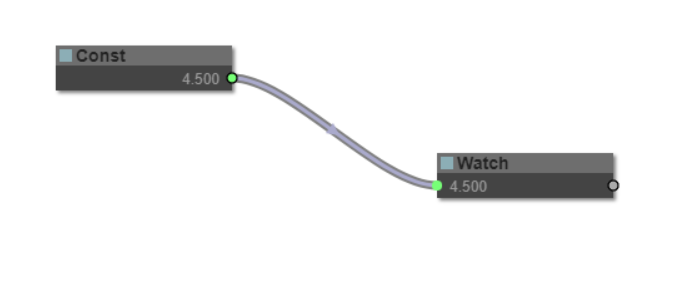
A library in Javascript to create graphs in the browser similar to [PureData](https://puredata.info/). Nodes can be programmed easily and it includes an editor to construct the graphs.
It can be integrated easily in any existing web applications and graphs can be run without the need of the editor.
## Installation
You can install it using npm
```
npm install litegraph.js
```
Or downloading the ```build/litegraph.js``` version from this repository.
## First project ##
```html
```
## How to code a new Node type
Here is an example of how to build a node that sums two inputs:
```javascript
//node constructor class
function MyAddNode()
{
this.addInput("A","number");
this.addInput("B","number");
this.addOutput("A+B","number");
this.properties = { precision: 1 };
}
//name to show
MyAddNode.title = "Sum";
//function to call when the node is executed
MyAddNode.prototype.onExecute = function()
{
var A = this.getInputData(0);
if( A === undefined )
A = 0;
var B = this.getInputData(1);
if( B === undefined )
B = 0;
this.setOutputData( 0, A + B );
}
//register in the system
LiteGraph.registerNodeType("basic/sum", MyAddNode );
```
or you can wrap an existing function:
```js
function sum(a,b)
{
return a+b;
}
LiteGraph.wrapFunctionAsNode("math/sum",sum, ["Number","Number"],"Number");
```
## Server side
It also works server-side using Node although some nodes do not work in server (audio, graphics, input, etc).
```js
var LiteGraph = require("./litegraph.js").LiteGraph;
var graph = new LiteGraph.LGraph();
var node_time = LiteGraph.createNode("basic/time");
graph.add(node_time);
var node_console = LiteGraph.createNode("basic/console");
node_console.mode = LiteGraph.ALWAYS;
graph.add(node_console);
node_time.connect( 0, node_console, 1 );
graph.start()
```
## Projects using it
### [webglstudio.org](http://webglstudio.org)

### [MOI Elephant](http://moiscript.weebly.com/elephant-systegraveme-nodal.html)

### [Mynodes.NET](http://www.mynodes.net)

## Utils
-----
It includes several commands in the utils folder to generate doc, check errors and build minifyed version.
## Demo
-----
The demo includes some examples of graphs. In order to try them you can visit [demo site](http://tamats.com/projects/litegraph/demo) or install it on your local computer, to do so you need `git`, `node` and `npm`. Given those dependencies are installed, run the following commands to try it out:
```sh
$ git clone git@github.com:jagenjo/litegraph.js.git
$ cd litegraph.js
$ npm install
$ node utils/server.js
Example app listening on port 80!
```
Open your browser and point it to http://localhost. You can select demo from the dropdown at the top of the page.
## Feedback
--------
You can write any feedback to javi.agenjo@gmail.com
## Contributors
- kriffe
- rappestad