mirror of
https://github.com/Comfy-Org/ComfyUI_frontend.git
synced 2026-05-16 18:39:46 +00:00
 5523df1aea
*PR Created by the Glary-Bot Agent* --- ## Summary The "See all case studies" button on the homepage `CaseStudySpotlightSection` was rendering oddly stretched because it had `class="flex-1 text-center"` while being the sole child of a `flex-row` container — it expanded to fill the entire content column (~592px) instead of sizing to its label. This drops `flex-1`/`text-center` and adds `items-start` to the wrapper so the button sizes to its content and is left-aligned, matching the proportions of every other outline `BrandButton` on the site (Hero, UseCase, customer detail, etc.). ## Changes - `apps/website/src/components/home/CaseStudySpotlightSection.vue`: remove `flex-1 text-center` from the `BrandButton` and align the row's items to the start. `BrandButton` already centers its label internally via `inline-flex … justify-center`, so dropping `text-center` is a no-op visually. ## Before / After - Desktop before: button width = 592px (stretched across the column) - Desktop after: button width = 223px (natural) - Mobile: 1-column layout, now consistently left-aligned ## Review Focus Whether the fix should also live on the `BrandButton` component itself (e.g. a global `max-width`) instead of at the call site. I went with the instance-level fix because every other CTA in the website intentionally uses bare `BrandButton` and lets the content size it; only this one had `flex-1`. A blanket `max-width` would risk changing Hero/MobileMenu buttons that explicitly opt into `w-full lg:w-auto lg:min-w-60`. ## Screenshots 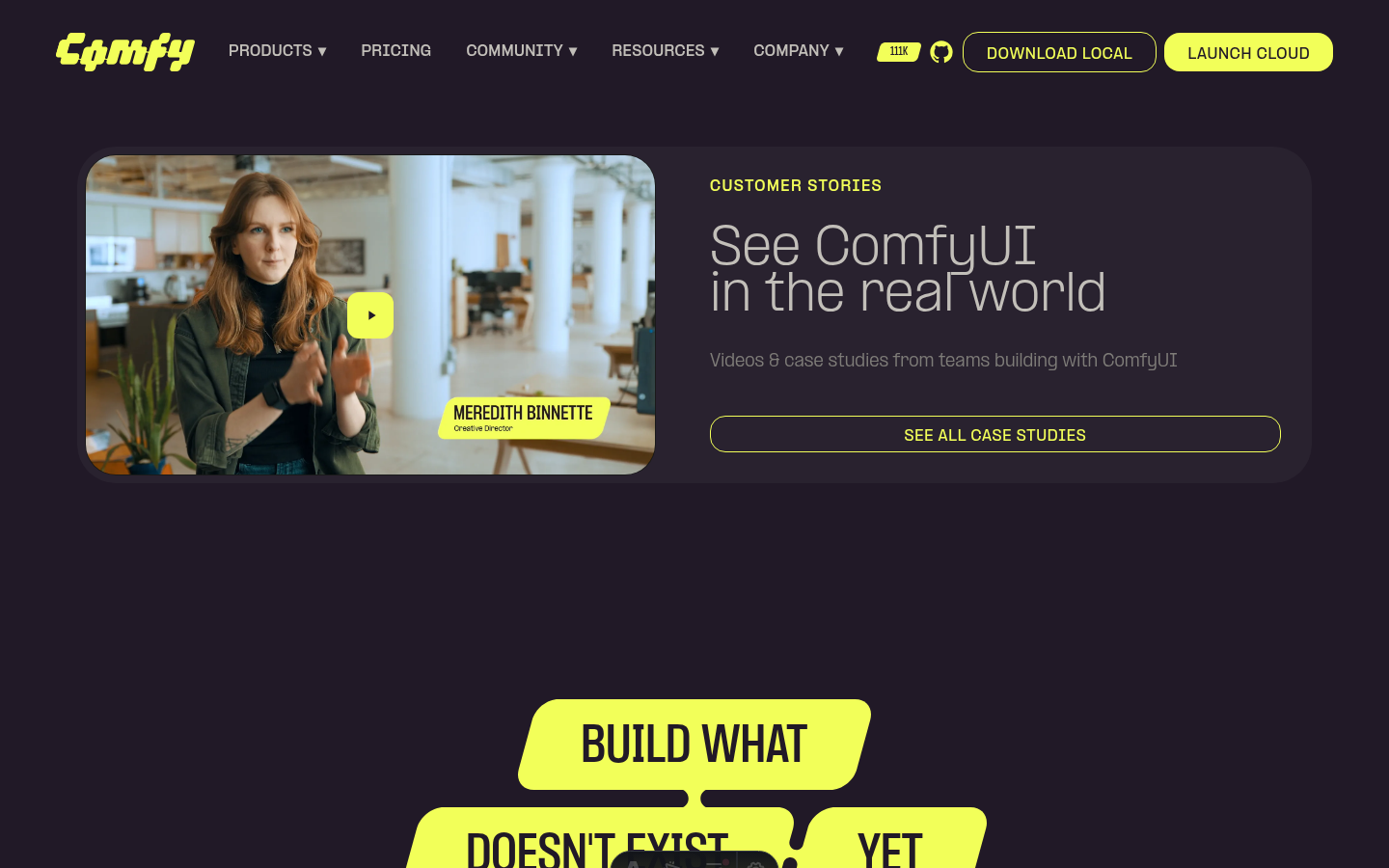 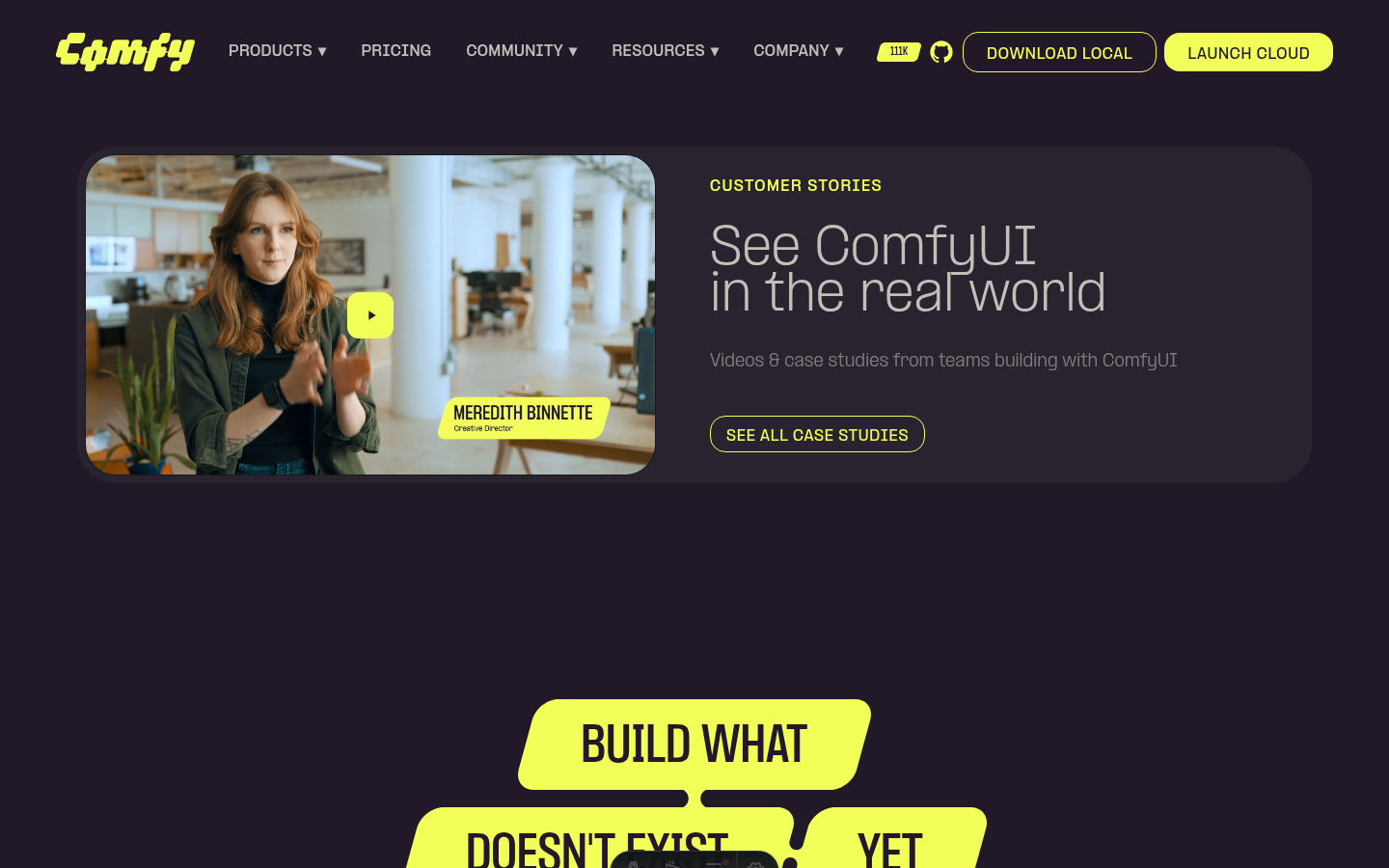 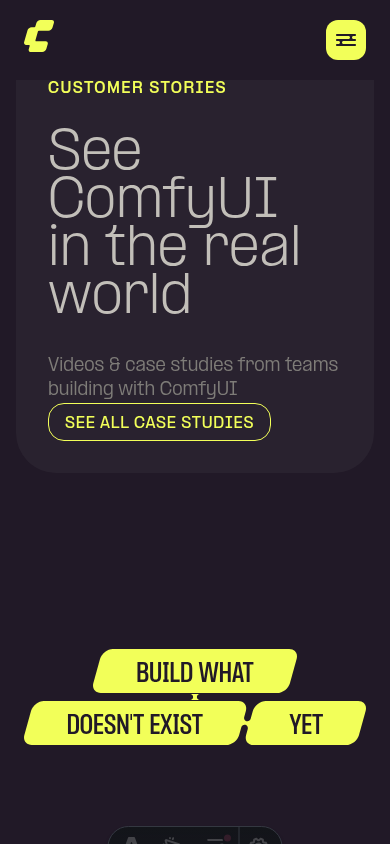 ┆Issue is synchronized with this [Notion page](https://www.notion.so/PR-11854-fix-website-unstretch-See-all-case-studies-button-3556d73d365081abb3bbe9dbc51cbc07) by [Unito](https://www.unito.io) --------- Co-authored-by: Glary-Bot <glary-bot@users.noreply.github.com>


